Smart locks have revolutionized home and business security by providing keyless entry, remote access, and enhanced control. Whether you’re considering upgrading your security system or maintaining your existing smart locks, this guide by Norristown Locksmith will walk you through the installation and maintenance process.
Benefits of Smart Locks
- Keyless Convenience: No need to carry or lose keys.
- Remote Access: Control your locks from anywhere via smartphone apps.
- Enhanced Security: Features like biometric access and activity logs.
- Integration: Connect with smart home systems for seamless automation.
- Customizable Access: Set specific entry permissions for different users.
Smart Lock Installation Guide
1. Choosing the Right Smart Lock
Before installation, consider the following factors:
- Compatibility with your door type.
- Connectivity options (Wi-Fi, Bluetooth, Z-Wave).
- Power source (battery-operated vs. wired).
- Integration with existing smart home systems.
2. Tools Required for Installation
- Screwdriver set
- Measuring tape
- Drill (if needed)
- Smartphone (for app setup)
3. Step-by-Step Installation Process

Step 1: Remove the existing lock and clean the surface.
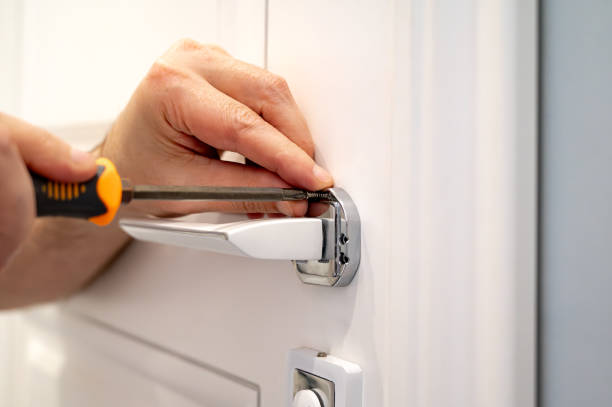
Step 2: Align the smart lock with the door hole and secure it using the provided screws.
Step 3: Install the internal components, such as batteries and wiring (if applicable).
Step 4: Download and set up the lock’s mobile app.
Step 5: Test the lock by locking/unlocking via the app and keypad.
Smart Lock Maintenance Tips
1. Regular Battery Checks
- Replace batteries every 6-12 months or as needed.
- Use high-quality alkaline batteries for longer life.
2. Firmware Updates
- Regularly update the lock’s software to ensure security and feature enhancements.
- Check the manufacturer’s app for notifications about updates.
3. Physical Inspection
- Inspect for loose screws and tighten them if necessary.
- Clean the keypad or touch screen to remove dirt and smudges.
4. Connectivity Troubleshooting
- Ensure a stable Wi-Fi or Bluetooth connection.
- Reset the device if connectivity issues persist.
5. Emergency Backup Plan
- Keep a physical key or alternative access method in case of device failure.
- Ensure that backup power options are available.
Common Smart Lock Issues and Solutions

- Lock Not Responding: Check battery levels and app settings.
- Connection Issues: Reboot the router or reset the lock.
- Unauthorized Access: Regularly update access codes and passwords.
- Jammed Lock Mechanism: Lubricate the lock with graphite lubricant.
Why Choose Norristown Locksmith for Smart Lock Services?
- Expert installation and setup assistance.
- 24/7 emergency support.
- High-quality products and services.
- Affordable pricing and transparent quotes.
- Customer satisfaction guaranteed.